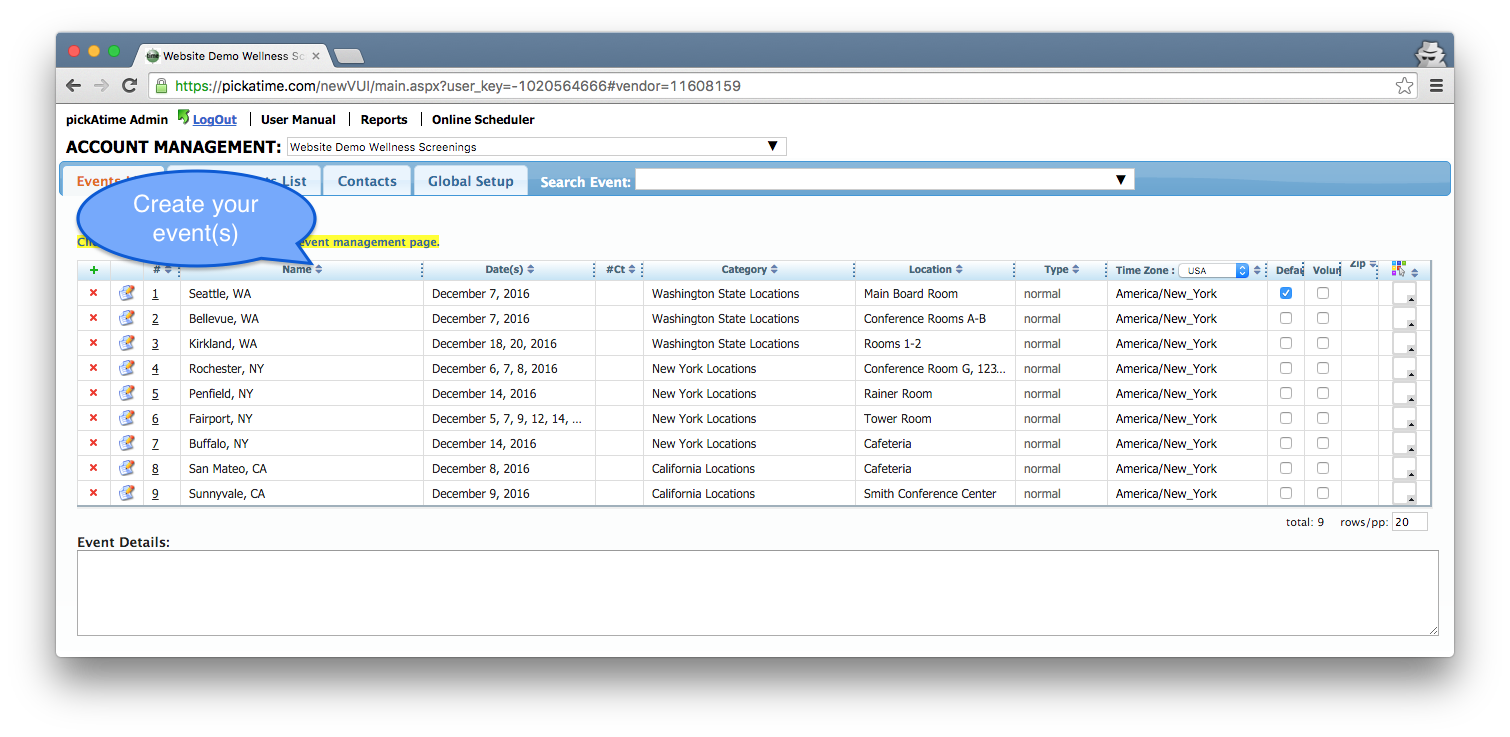
First, use our Administrative tool and create and name your event.
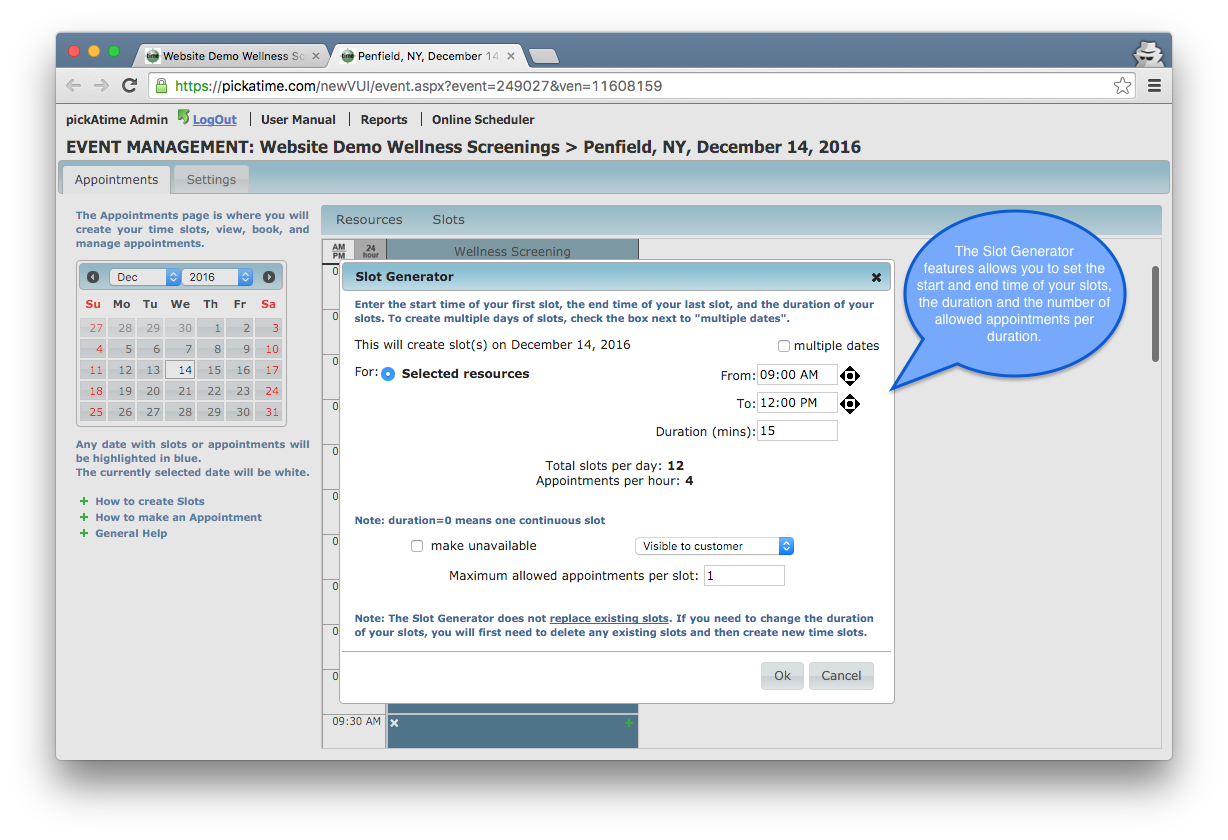
Set your schedule date(s) and time slots.
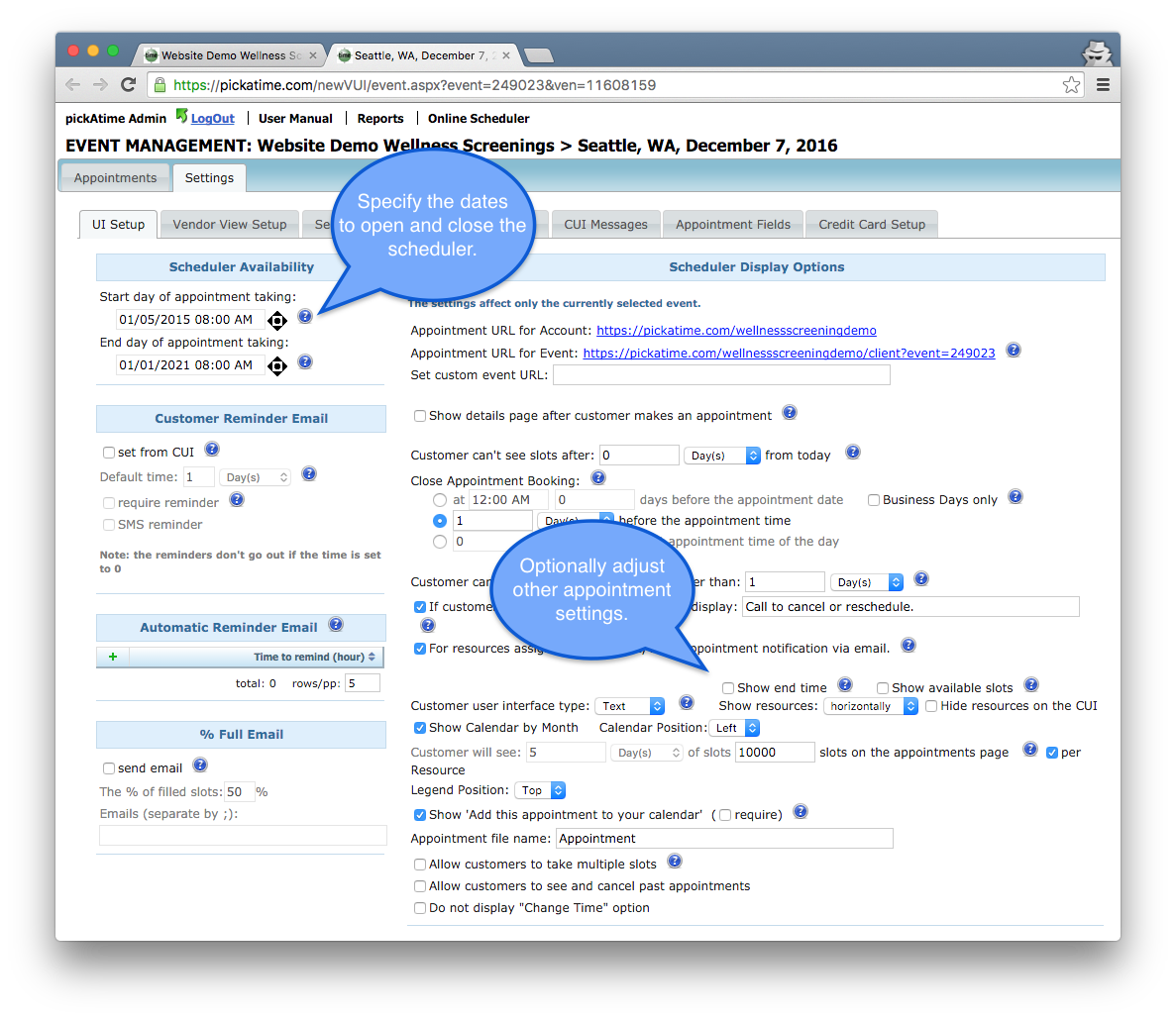
Select the dates you would like the site to open for appointment taking and optionally adjust other settings.
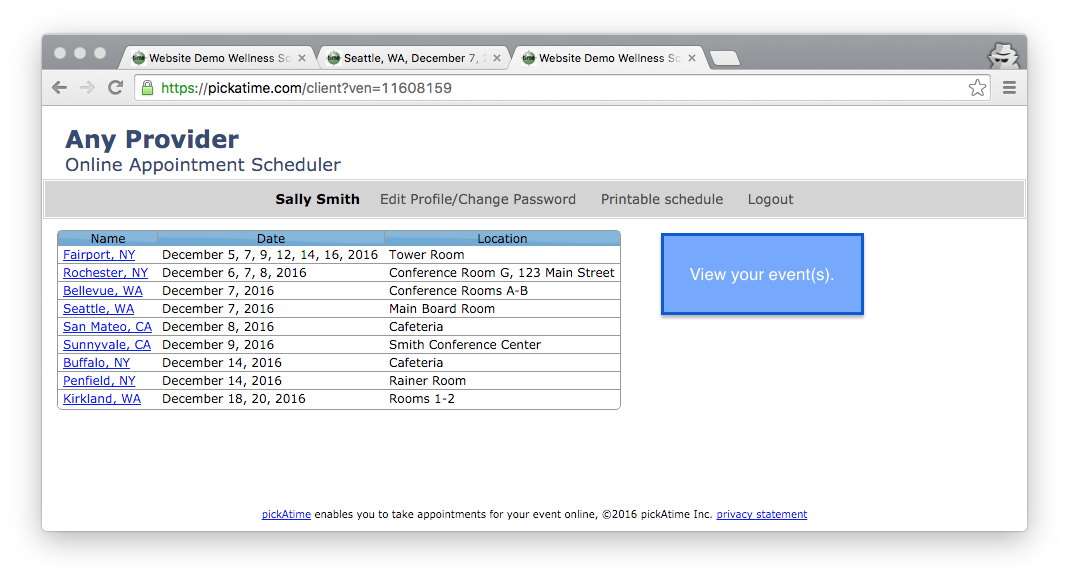
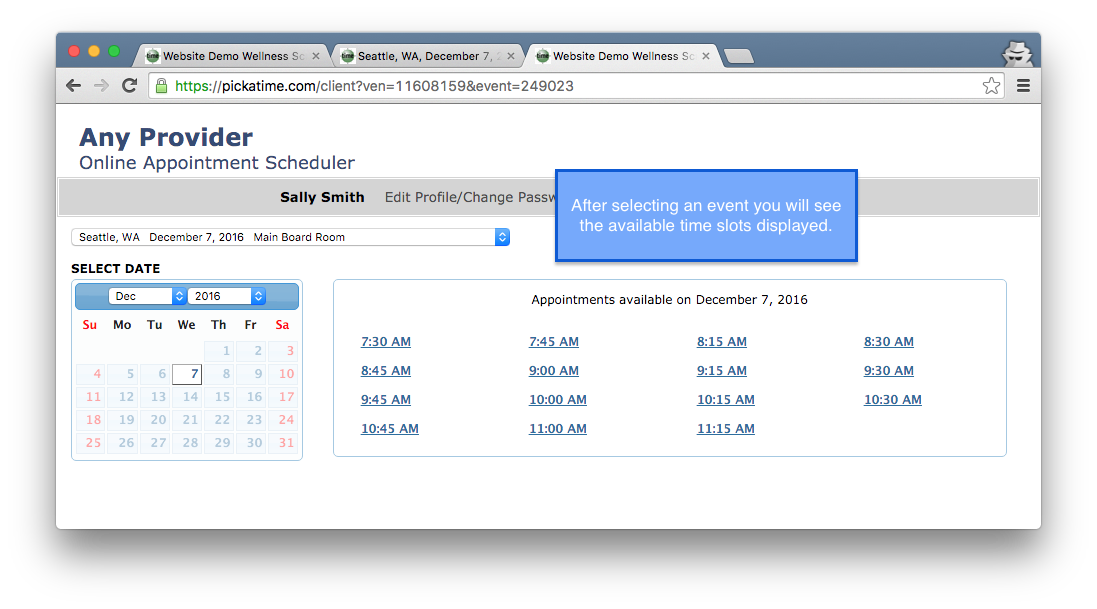
Try out the scheduling site and publish the link to your clients.
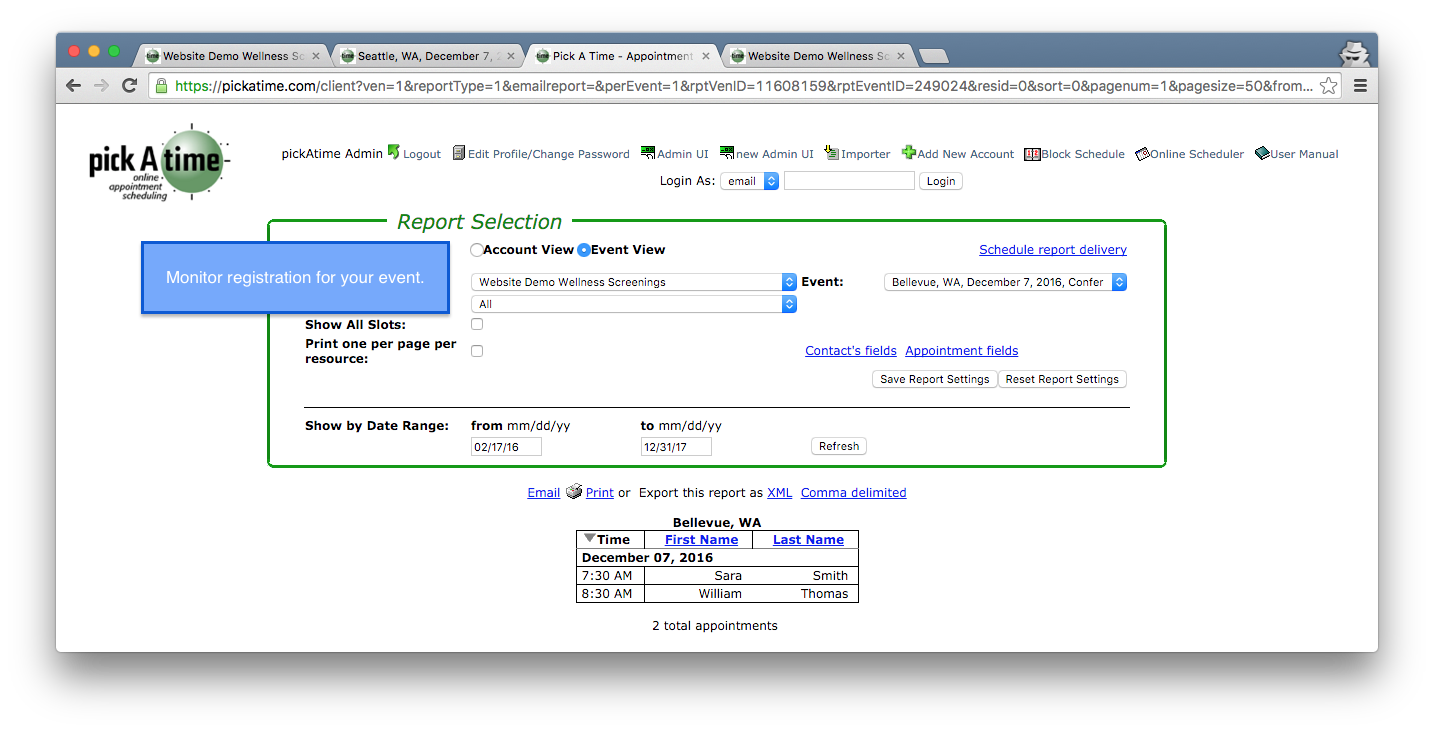
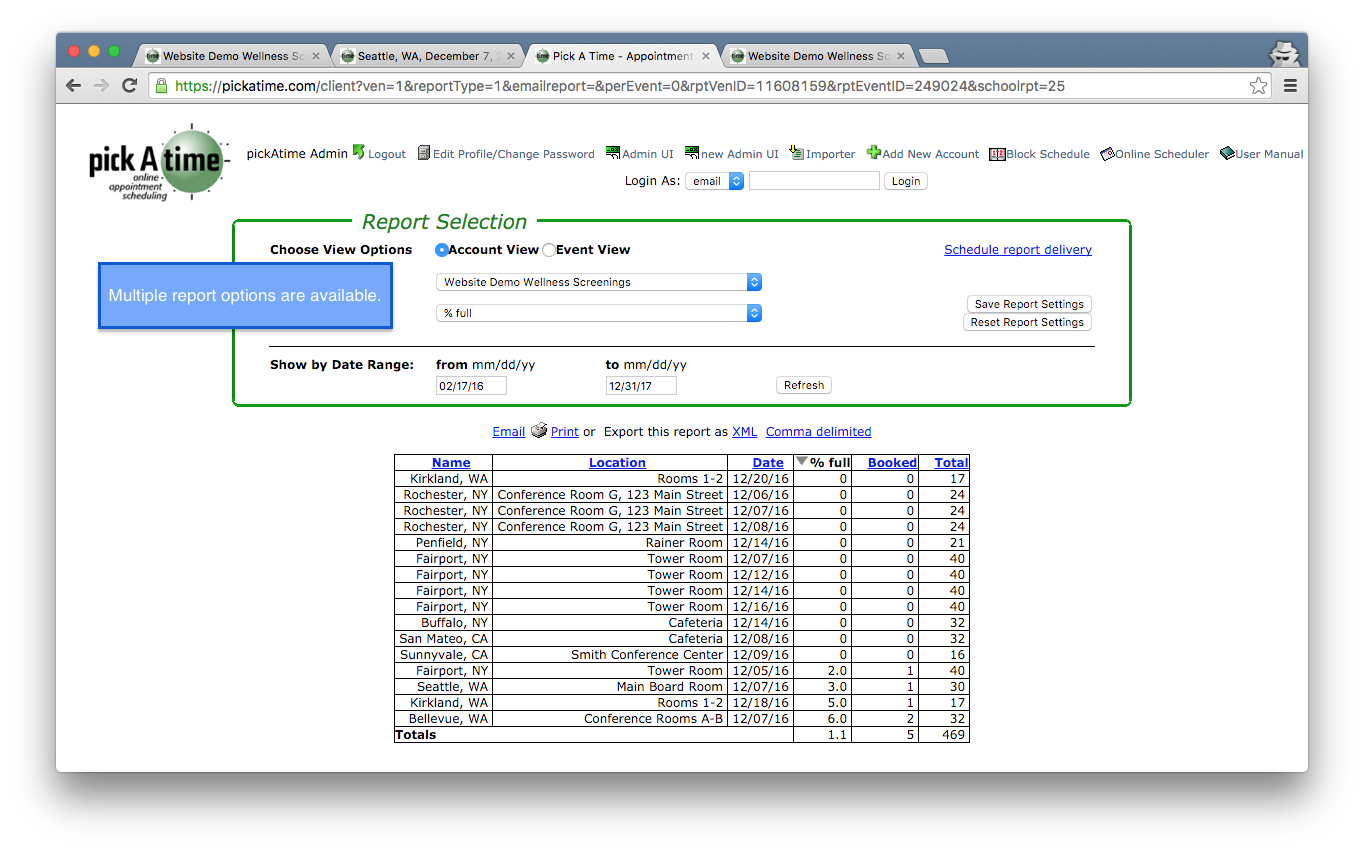
Once your clients start booking appointments you can monitor registration in real time. Reports can be printed, emailed or downloaded.